


How It Works
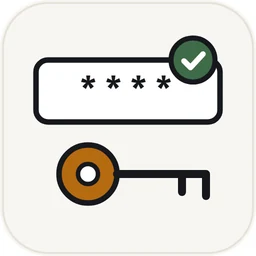
- Select a PDF and choose Add password or Remove password.
- For protection, enter and confirm a long, unique password.
- For removal, enter the current opening password when required.
- Download the result and verify that it opens as expected.
About Protect PDF
Uses PDF encryption when adding an opening password; the strength of protection depends on the password and the reader.
The operation runs in your browser. The selected PDF and entered password are not uploaded to Toolbase for this tool.
Some PDFs have editing restrictions but no opening password. Reader behavior for those restrictions can vary.
Frequently Asked Questions
Can I recover a forgotten opening password?
No. This tool cannot discover a forgotten password. Keep a secure copy of the password if you need future access.
Does a password make sharing risk-free?
No. Anyone who receives the password or an unlocked copy can access the contents. Check the recipient and use an appropriate delivery channel.
Can I remove a password from any PDF?
Only process a file you own or are authorized to edit. An opening password is required when the document cannot be opened without one.